Supports multiple channel capture
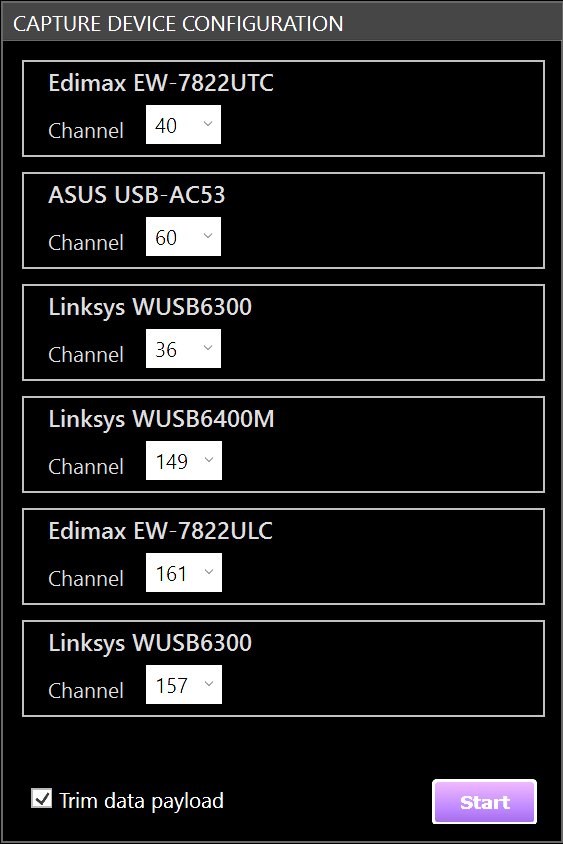
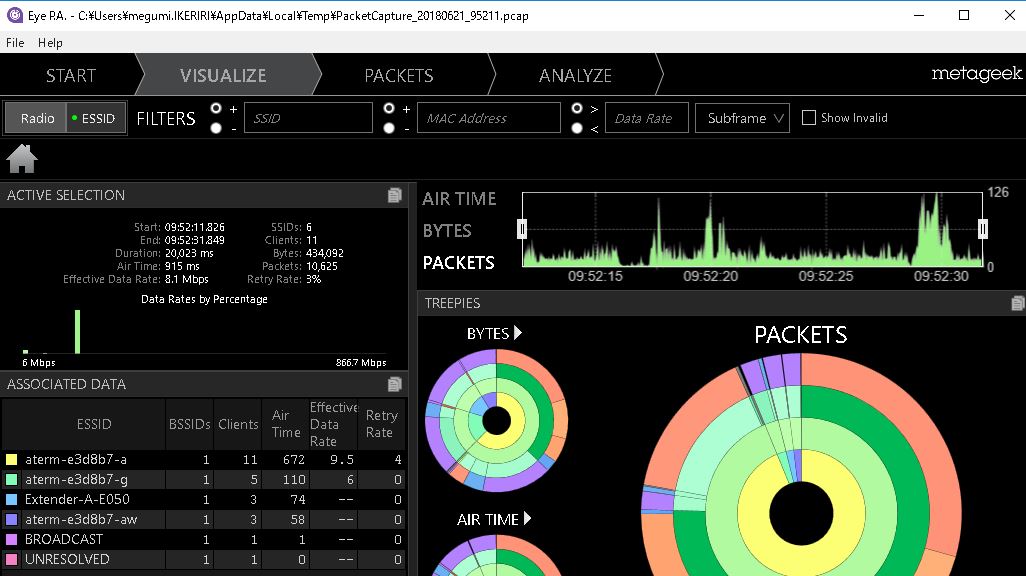
EyePA finally supports multi-channel capture in the new version V2.1 and later. Just like connecting multiple AirPcaps, you can capture the wireless LAN packets of the 2.4GHz and 5GHz IEEE802.11a/b/g/n/ac
channels at the same time and aggregate them into one pcap file.
|
Adapters available for EyePA
IEEE 802.11ac compatible wireless LAN card
3 streams (
3x3:3
)
-
TP-LINK Archer T9-UH v2
-
ASUS USB-AC68
-
ALFA Network AWUS1900
-
D-Link DWA-192
-
Edimax EW-7833UAC (included)
2 streams (
2x2:2
)
-
Edimax EW-7822 UAC
-
Linksys WUSB6300
-
Linksys WUSB6400M
-
ASUS USB-AC53 Nano
-
D-Link DWA-182 rev C1
-
Edimax EW-7822 ULC
-
Edimax EW-7822 UTC
-
EnGenius EUB1200AC
-
Proxim ORiNOCO 9100
-
TRENDnet TEW-805UB
-
TP-LINK Archer T4U v2
-
TP-LINK Archer T4UH v2
|
Eye P.A.でcompatibleしている
Capture adapter
Windows: 802.11ac adapters
(These adapters support simultaneous packet capture from multiple adapters)
Three Spatial Streams (
3x3
):
-
TP-LINK Archer T9-UH v2
(recommended)
-
ASUS USB-AC68
-
ALFA Network AWUS1900
-
D-Link DWA-192
-
Edimax EW-7833UAC
Two Spatial Streams (
2x2
):
-
Edimax EW-7822 UAC
(recommended)
-
Linksys WUSB6300 (recommended)
-
Linksys WUSB6400M
-
ASUS USB-AC53 Nano
-
D-Link DWA-182 rev C1
-
Edimax EW-7822 ULC
-
Edimax EW-7822 UTC
-
EnGenius EUB1200AC
-
Proxim ORiNOCO 9100
-
TRENDnet TEW-805UB
-
TP-LINK Archer T4U v2
-
TP-LINK Archer T4UH v2
Windows: 802.11n adapters (Not recommended)
These adapters are NOT capable of simultaneous from multiple adapters simultaneously.
-
Linksys AE2500
-
Linksys AE1200
-
Netgear A6200 WiFi Adapters
-
RiverBed AirPcap Nx **
(The Airpcap Nx can capture simultaneously with othe AirPcap Nx)
How to capture in other environments (you can view the pcap file by opening it with EyePA)
macOS environment
Wireless Diagnostics Tool
You can easily capture packets in the macOS environment by using the Wireless Diagnostics Tool.
Drag-drop (file format is wcap) can be brought into EyePA
Simple wireless LAN packet capture procedure on macOS
1. Click on
Command
and
Space
to open the spotlight
2.
Wireless Diagnostics と入力してエンターを押してWireless Diagnostics Toolを起動します
3.
Window
from the menu
Snifferを選択してクリックします
4. Select the channel and channel band and select
Startをクリックします
5. OS X will ask for the password for Admin privileges and the monitor mode capture will begin
6. The capture will be performed with The Wireless Diagnostics Tool.
Stopをクリックして停止します
7. A .WCAP file with the extension will be created on your desktop.
→ Pakecap on macOS is
hereもご参考ください
.
Linux環境
モニタモードドライバ
相性のよいカードとモニタモードドライバの組み合わせでpcapファイルをwireshark/tshark/tcpdumpで取得します
Corporate network environment
Corporate AP
Some corporate access points can be configured as monitor mode APs, and you can obtain the pcap file here.
Capture procedure
|
|
Start and confirm capture
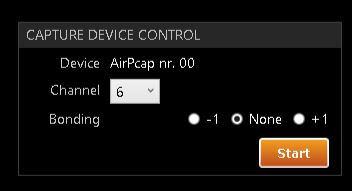
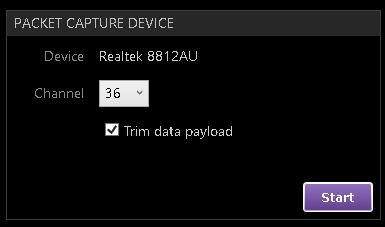
The screen on the left is when AirPcapNX is connected. Specify the device name in
Device and channel bonding settings in Channel
Bonding. (For AirPcap)
Click "Start" to begin capturing.
|
|
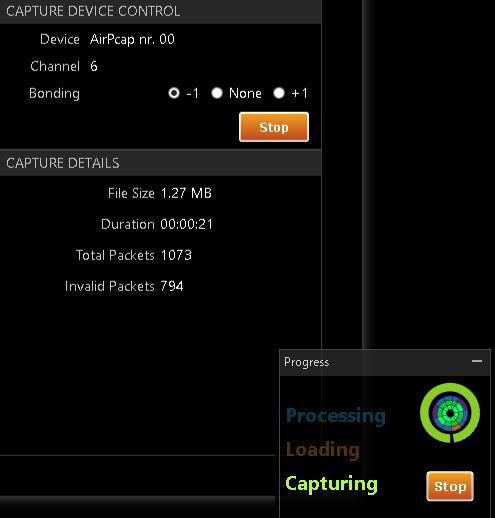
キャプチャ中には、ファイルサイズ、時間、全パケット数、不正パケット数が表示されます。
Click "Stop" to end the capture.
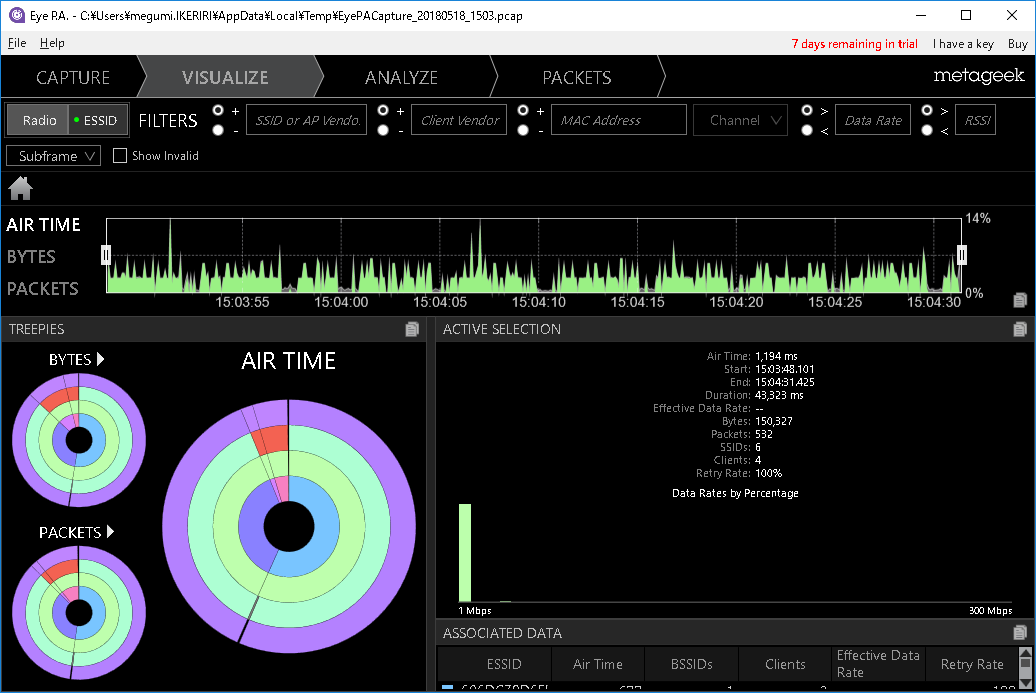
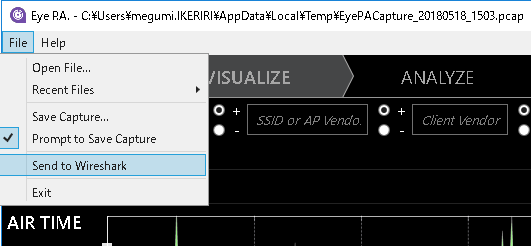
Username\AppData\Local\Temp\EyePACapture_Date_Time.pcap file will be created and the EyePA screen will start.
|
|
Starting Wireshark
By selecting "Send to Wireshark" from the file menu, you can easily start Wireshark and open the packet capture file.
|
Wiresharkに関連する実績
is
here
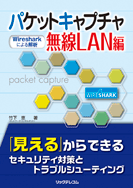
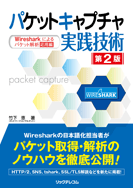
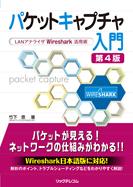
Major books on Wireshark
その他の書籍はhere
雑誌etc.はhere
パケットキャプチャWireless LAN編 ― Wiresharkによるanalysis ―
Written by Megumi Takeshita
BB5 size 400 pages List price: 3,600 yen + tax ISBN: 978-4-86594-029-9
パケットキャプチャ実践技術 第2版 -- Wiresharkによるパケットanalysis応用編 竹下 恵 著
B5 size 480 pages List price: 3,400 yen + tax ISBN: 978-4-89594-097-8
パケットキャプチャ入門 第4版 ―LANアナライザWireshark活用術―
B5 size 464 pages List price: 2,800 yen + tax ISBN: 978-4-86594-139-5
|
At Ikeriri★Network Service, we actively support the open source packet capture software
Wireshark (ワイヤーシャーク http://www.wireshark.org)
and provide various types of support as part of our business. Please feel free to contact us regarding Wireshark utilization, development, debugging, security, troubleshooting, education, etc.
Our company has been involved in the Ethereal community since the 1990s, as we were an agency for CACE Technologies, to which Gerald Comb belonged, and since 2002, the name has changed to Wireshark, and we have continued to participate and present at developer conferences since the first time. In addition to Japaneseizing the QT version of Wireshark, we also use Pakecap to provide troubleshooting, statistics, analysis, reporting, security research, and education.
Our company Takeshita has translated the QT version of Wireshark into Japanese after Wireshark 2 (1.99) series! We perform statistics, analysis, reporting, security research, and training using packet capture. We create a baseline based on packet captures taken at the customer's site and perform network security statistics, analysis, and reporting, as well as network and security troubleshooting. We also provide technical support regarding capture environments and analyzes using other tools, tapping, and hardware.
We also provide basic and advanced training on Wireshark packet capture and troubleshooting for customer engineers. We also provide flexible support according to customer requests. Please also see the
ラーニング
and
training
pages.
Please feel free to contact
お問い合わせ
(person in charge: Takeshita). →
info@ikeriri.ne.jp
|

Discontinued. Integrated with successor
MetageekApps
.
System Requirements
OS: Microsoft® Windows 10, 8, 7, Vista
.NET FRAMEWORK: 4.5
Works with MAC OS virtualization: VMware Fusion, Parallels
Required memory: 4 GB
Resolution: 1024x600 (1366x768 or higher recommended)
Packet capture: Compatible Wireless card or AirPcap Nx
Internet connection required for activation
|


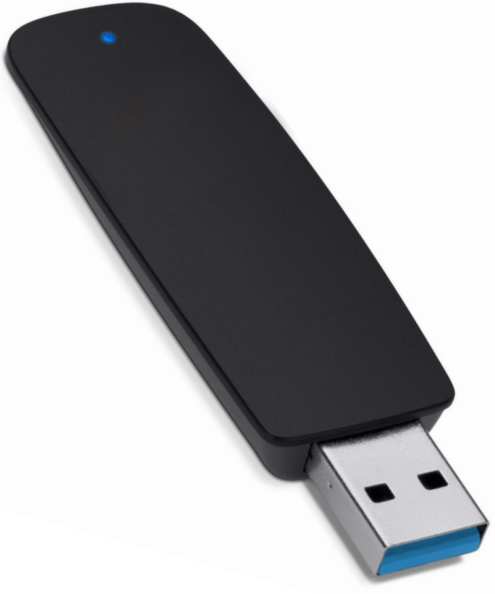 Compatible with various adapters