
|
|
+ Product list → CommView → TamoGraph → Wi-Spy → Chanalyzer → WLAN Pi → Nomad → MetageekApp → ProfiShark → IOTA → tap products → Dualcomm → penetration training equipment → password recovery → Side channel fault injection → Wireshark |
|
+
Chanalyzer
+
MetageekApp
+
WLAN Pi(11be)
+
Nomad+
PacketsBundle
+
SpectrumBundle
+ Wi-Spy Lucid (2.4/5/6GHz) + WiPry 2500x (2.4/5GHz) + WiPry 790x (900MHz) + WiPry 340x (300-348/387-464MHz) |

|
Ikeriri sells the Wi-Pry series as an OSCIUM official agent. We also provide maintenance and support based on our extensive wireless LAN related technology. Please give me inquiry(→Online) . |
Wi-Spy Lucid Spectrum Bundle package now available |
|
Introducing the Spectrum Bundle package. With OSCIUM's acquisition of Metageek, a spectrum bundle version will be released that includes the 2.4/5/6GHz spectrum analyzer
Wi-Spy Lucid
and the new 6GHz compatible
Chanalyzer
.
|
|
|
The spectrum bundle version provides a set of
|
|
|
|
Chanalyzerについて
included with the spectrum bundle version
|
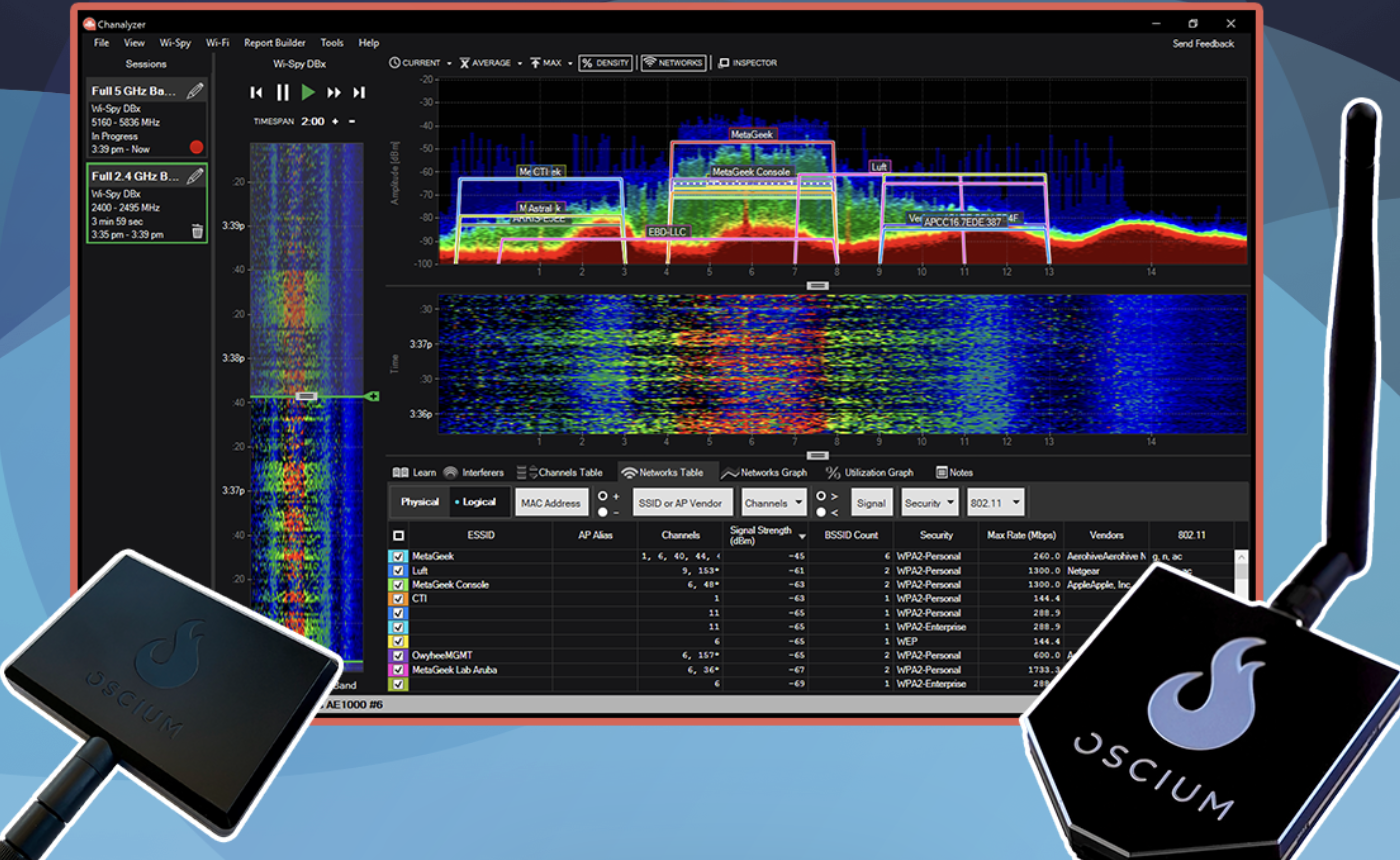
★Chanalyzer that comes with the spectrum bundle version is spectrum analyzer software based on the old Metageek Chanalyzer5. Created for use with Wi-Spy Lucid.
The product is activated and used, and comes with one year of software maintenance. If you wish, you can renew your maintenance with MetaCare from the following year onwards.
|
|
|
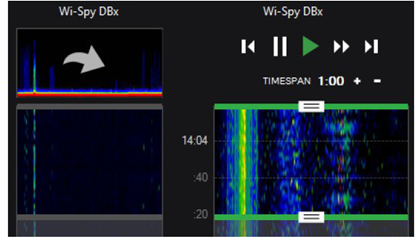
★ Supports session recording
Chanalyzer now supports session recording. This allows you to manage and edit the acquired recordings on a session-by-session basis. Select the frequency band to be investigated in the WiSpy menu. Select, save, and rename the spectrum to be recorded on the session screen. The time range and timespan selected in Navigation will be reflected. Sessions can be divided and managed in 2-hour units. |
|
|
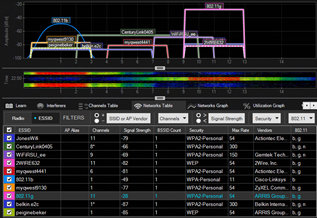
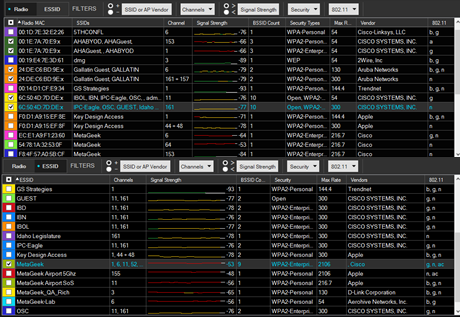
★Easily check the wireless status by overlaying radio wave information and IEEE802.11 information
On the Networks tab, first switch between Radio, which displays physical layer information, and ESSID, which displays data link layer information. For Radio, AP MAC address SSID Channel Signal strength Number of BSSIDs Security standard Maximum transmission speed Vendor name 802.11 standard For ESSID, ESSID name Channel Signal strength Number of BSSID Security standard Maximum transmission speed Vendor name 802.11 standard Filter by +to in the filter according to the conditions Filter by SSID/Vendor name/Channel/Signal strength/Security/802.11 standard to switch the display. |
|
|
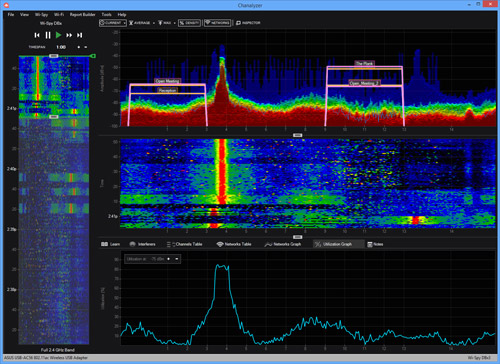
★Utilization rate and surrounding channel status can be displayed in graphs
Utilization Band usage status DeviceFinder Overview screen Displays the power of the range selected Current (current) Average Yellow Max (red) Density (frequency red > green > blue) Network (displays SSIDs overlapping) Device (devices detected with Interfere) Inspector (detailed information on mouse position) The bottom of the screen is the range selected with Timespan This will take you to the Waterfall screen, which displays time-series statistics. |
|
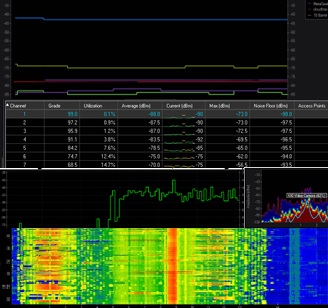
6/5/2.4GHz spectrum analysis
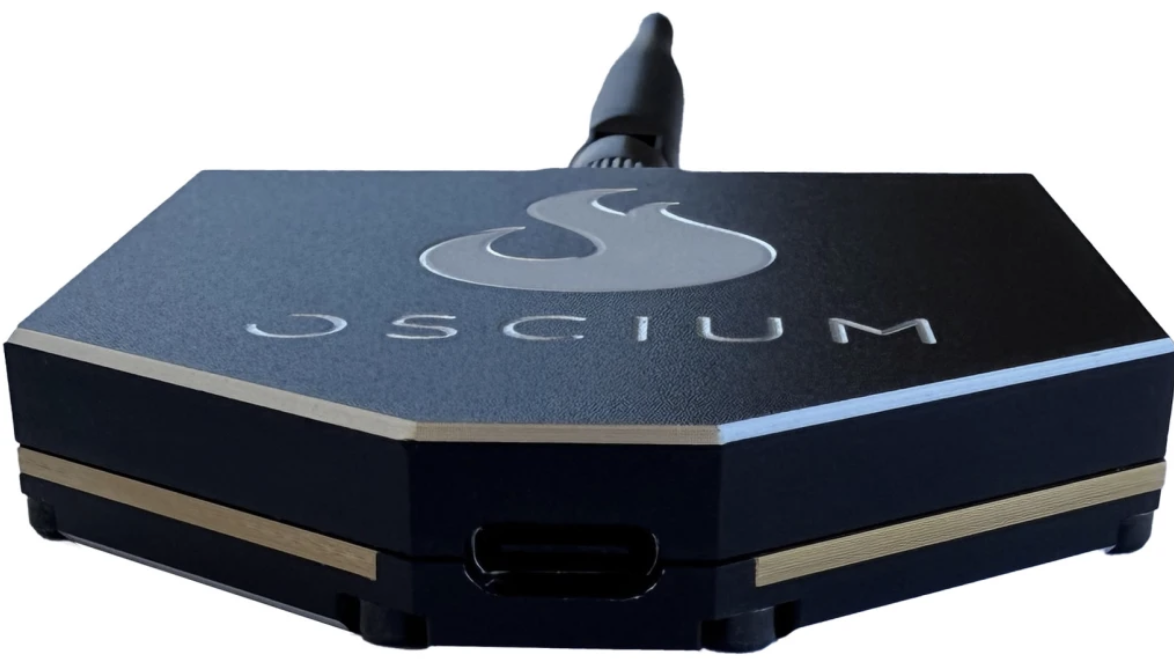
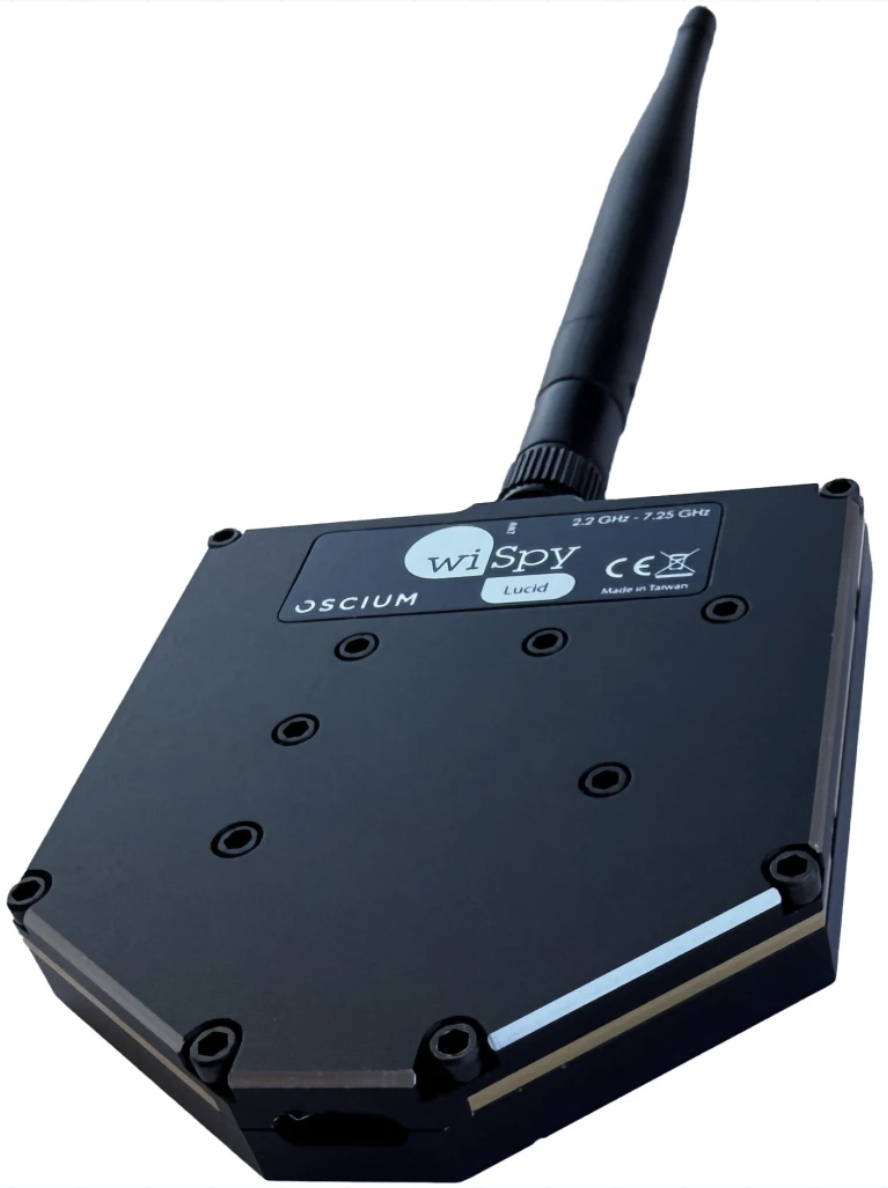
|
Main specifications
|

→ PC version WiPry software WiPryInstaller_3_02 → macOS version WiPry software WiPry_3_03 |
Measurement software ChanalyzerLite (free)
|